Review: Mnemonica
Posted on Feb 17, 2026 by Admin
Drawing on their experience across multiple productions, James Vorley and Stephen Walsh each assess how Mnemonica – a review, sharing, collaboration and archiving platform for film and TV workflows – performs in a real-world setting
Reviewer
James Vorley
James Vorley is head of production and workflow at Notorious DIT, shaping the backbone of DIT and dailies operations across the UK and beyond. With experience across post-production and on-set workflows, he focuses on building practical solutions that work for everyone involved.
James Vorley’s workflow review
At Notorious DIT, we primarily use Mnemonica on high-end TV and film productions as part of the dailies workflow. We find it a secure, client-friendly environment for reviewing material, managing deliveries and sharing assets. One key challenge the platform solves is keeping media review organised contextually on complex productions, bringing structure and clarity by organising dailies from a scene or shooting day in one place.
Getting started was straightforward. The interface is clean and purpose-built, so even non-technical users can get it up and running quickly. Inviting different collaborators and managing permissions is simple too and doesn’t require heavy onboarding or training.
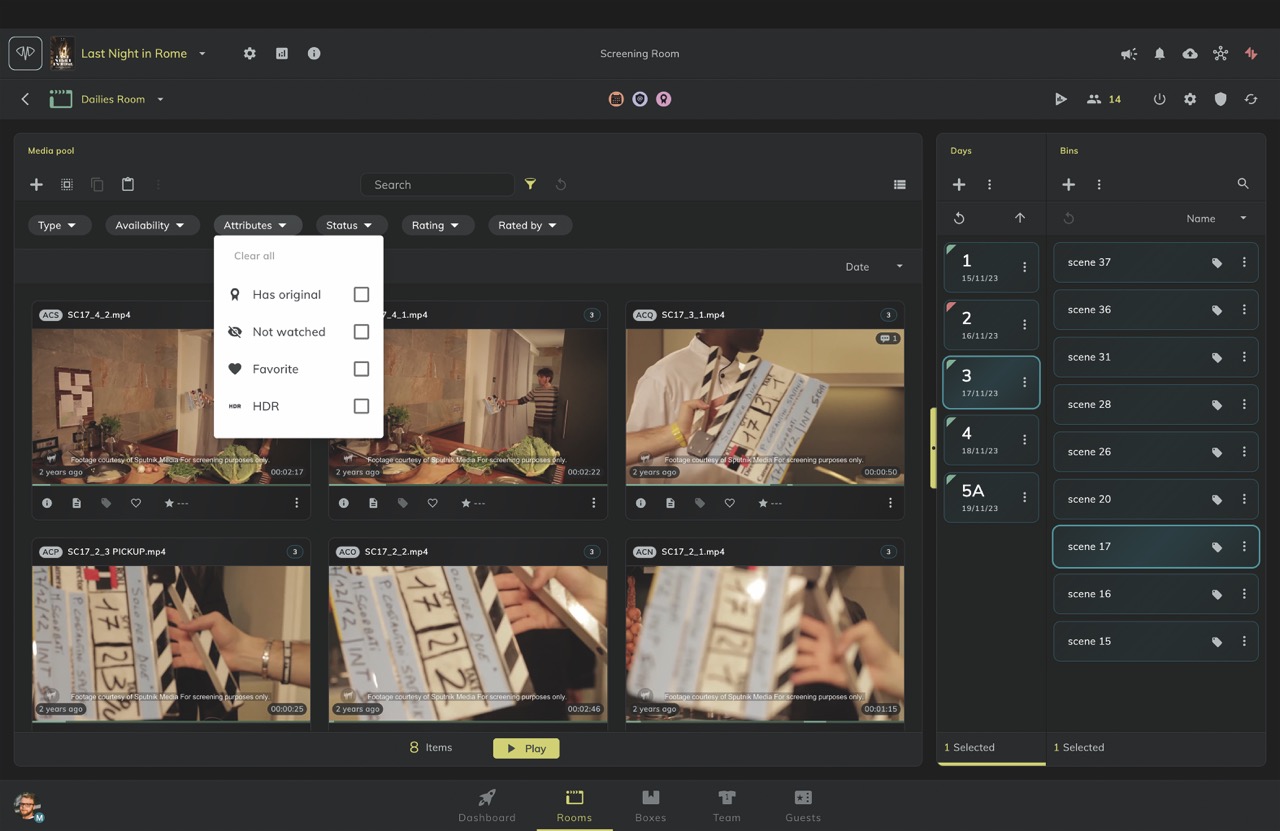
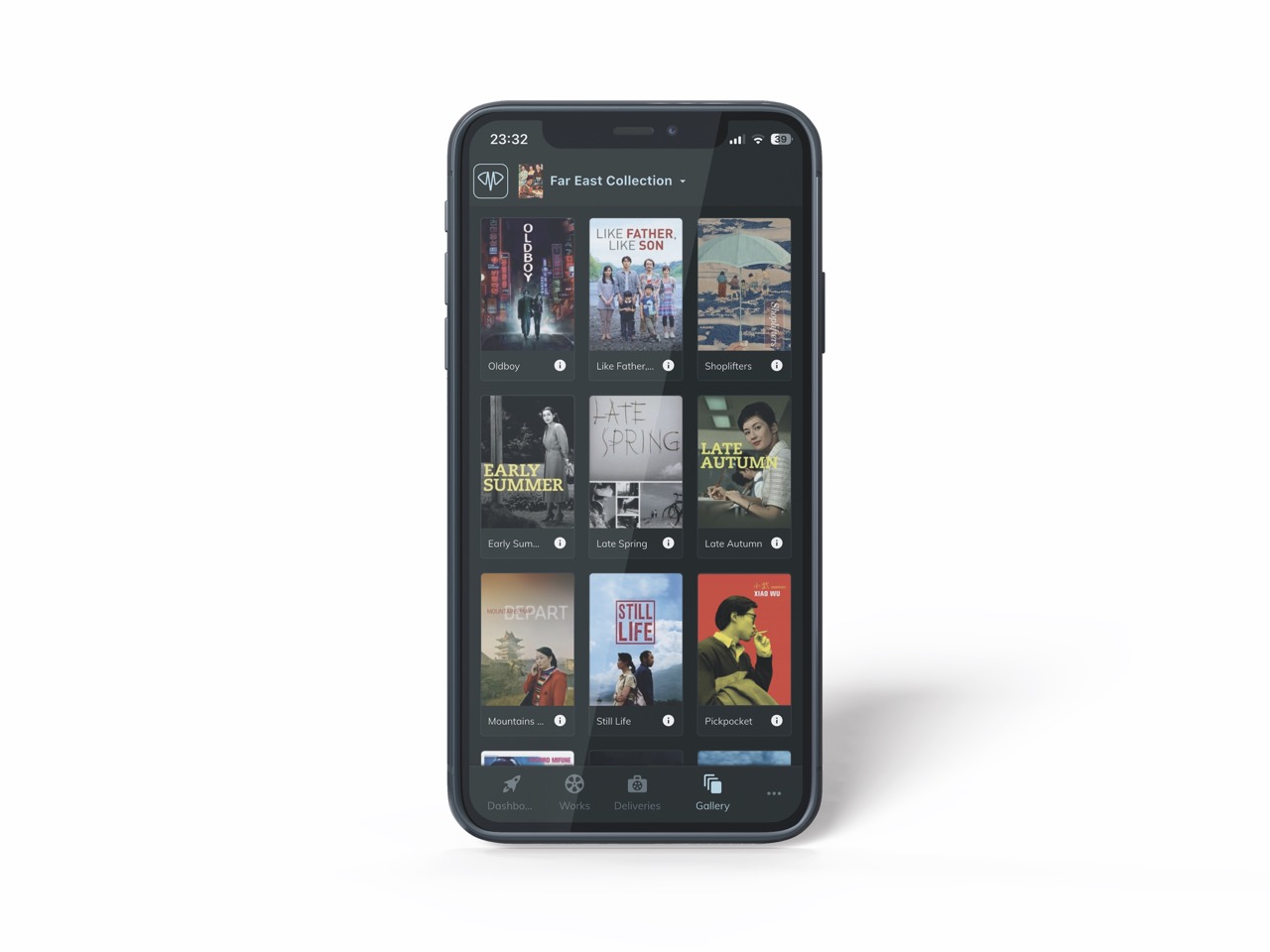
For us, the most valuable features are the clarity and simplicity of the user interface, which makes navigating, filtering and reviewing material intuitive. The GUI presents large volumes of dailies in a way that’s easy to understand and quick to work with. It feels both slick and thoughtfully designed. It also supports review, approval and collaboration between departments very well, by anchoring comments, annotations and discussions directly to the media, allowing departments to review the same material and communicate clearly in context.
We’ve found the platform integrates well into existing workflows by acting as a review and collaboration layer. One area that would be an additional layer of functionality is native support for ALE or CSV metadata import/export, but I’ve been told this is in their roadmap.
I don’t have any complaints from a stability and security perspective either: stability has been solid and security is clearly a priority. It supports 2FA and is TPN Gold Shield certified, while the passwordless login keeps security high without slowing people down or complicating access.
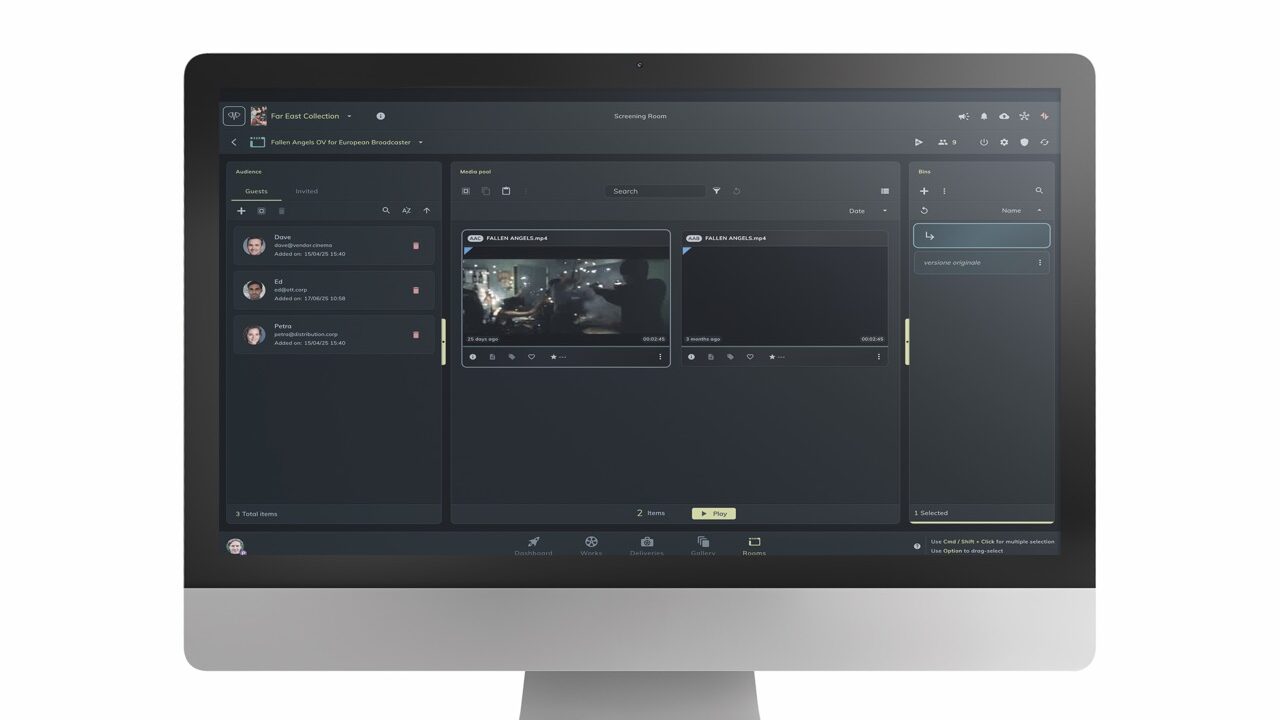
If I were to offer advice to anyone new to the platform, I’d flag that it’s worth taking the time to learn the Bins. In Mnemonica, Bins are a way of filtering dailies by story context rather than file structure. Instead of navigating footage as a flat list of clips or folders, material is organised into Bins based on scenes and shooting days, letting reviewers quickly focus on all the relevant takes for a specific scene.
When comparing it to other platforms I’ve used, Mnemonica is a premium and feature-rich product at a reasonable price. The support from founder Piero Costantini and the team is also fantastic. We especially love that there is no per-user pricing as it keeps costs predictable!
Another win for Mnemonica is the built-in Sharing Boxes. These allow users to send and receive media in the same environment used for Dailies Review, rather than relying on separate transfer tools or links. Keeping review and file sharing in the same place streamlines workflow and security governance/auditing. Furthermore, the Sharing Boxes are for sending and receiving, rather than long-term storage. So, there is no danger of costs creeping up for stored-yet-forgotten-about assets. If data needs to be preserved long-term, Mnemonica offers a dedicated Archiving platform where assets can be stored, shared with others and also played back in the GUI. Another big win.
The combination of Dailies Review, Sharing Boxes and Archiving in one platform is another real strength – I’m not aware of any other platform offering a similar suite of tools all under one roof. As is the fact that, unlike other platforms, pricing is not per-user based, which makes costs less likely to balloon over the lifecycle of a project.
Overall, I would recommend Mnemonica to any productions that value clarity, security and collaboration, particularly television and film projects with multiple stakeholders. It’s an easy recommendation, especially for teams looking to reduce friction.
Reviewer
Stephen Walsh
Stephen Walsh is a skilled post-production supervisor with credits including work for Channel 4, BBC Films, A24 and MGM. He began as a post-production runner at Evolutions Television, progressed through roles at Soho Digital Cinema and Pinewood Studios before working as an assistant editor and in-house VFX editor on major film productions.
Stephen Walsh’s workflow review
I use Mnemonica on a variety of projects and find it equally beneficial whether I’m working on a feature film or a TV series. Myself and assistants can set up different rooms, so it’s easy to share content with exactly the right people for each project. So, whatever
the size of the production or the number of people involved, we always have clear control over who’s seeing what. Whether it’s checking dailies or signing off cuts, everyone only sees what they need to.
In my experience, one problem the platform solves is accessibility. Mnemonica is easy to pick up. Usually after someone’s first use, they have a good grasp on its functions. This cuts down on a lot of the back and forth between viewers and cutting rooms when troubleshooting issues and resupplying a number of links and so on. Being able to just click the link and be in the designated room eliminates confusion and ensures only the people on certain distribution lists get access.
My first time using Mnemonica was on a project for MGM titled Canary Black. I was one of the first crew members in post onboarded, and the platform’s founder Piero Costantini took the time to walk me through how to use everything, giving me information I could then pass on to my colleagues.As we progressed through the project, if I was ever unsure about something, he was on hand to provide training sessions. It was great customer service and hugely beneficial, as not only did it save the time figuring things out by trial and error would take, it also meant that the team interacting with it most had a direct dialogue with the Mnemonica team and could resolve any issues quickly. Its team also let us suggest improvements based on our experiences using the platform in practice on a feature film.
One of the most valuable elements of Mnemonica for me is being able to create Boxes and share work quickly. Having to send cuts to multiple different people is very common – no matter what scale the project is – and obviously content security is key! Being able to burn in custom watermarks has saved our assistants a great deal of time.
I also found it integrated into existing workflows extremely smoothly. Viewing platforms have been a major part of the post workflow forever. Uploading data to Mnemonica starts when we do our initial camera tests and those clips stay with us right through until post and often beyond final delivery, when we’re inviting stakeholders to view content!
From my perspective, aside from the usual teething problems you have when coming to terms with any new software, Mnemonica has been very stable and I can’t recall it ever being down. Security is key, and our most important priority when sharing anything from the cutting room – as mentioned before – is being able to watermark in the program as well as add and remove people from Sharing Rooms as and when we please. So, productions always have control over who’s viewing and when. The only real thing to flag on this front is that the initial Box invite could end up in junk mail, so keep an eye out for that.
At first, Mnemonica seemed pretty similar to other tools I’ve used over the years, but its quality becomes ever more apparent with long-term use. I find the interface really user-friendly and easy to navigate, and sharing and creating Boxes is so simple and really enhances the accessibility for all users. All of this matters hugely on a project.
As you’ve probably guessed, I’d have no hesitation recommending the platform, especially for an edit assistant team. I’ve found cuts can be uploaded and distributed quickly, and it’s great for people like myself and producers, as its features allow us to see not only who has viewed the content, but also how much they have watched. I hope to use it on my projects going forward!
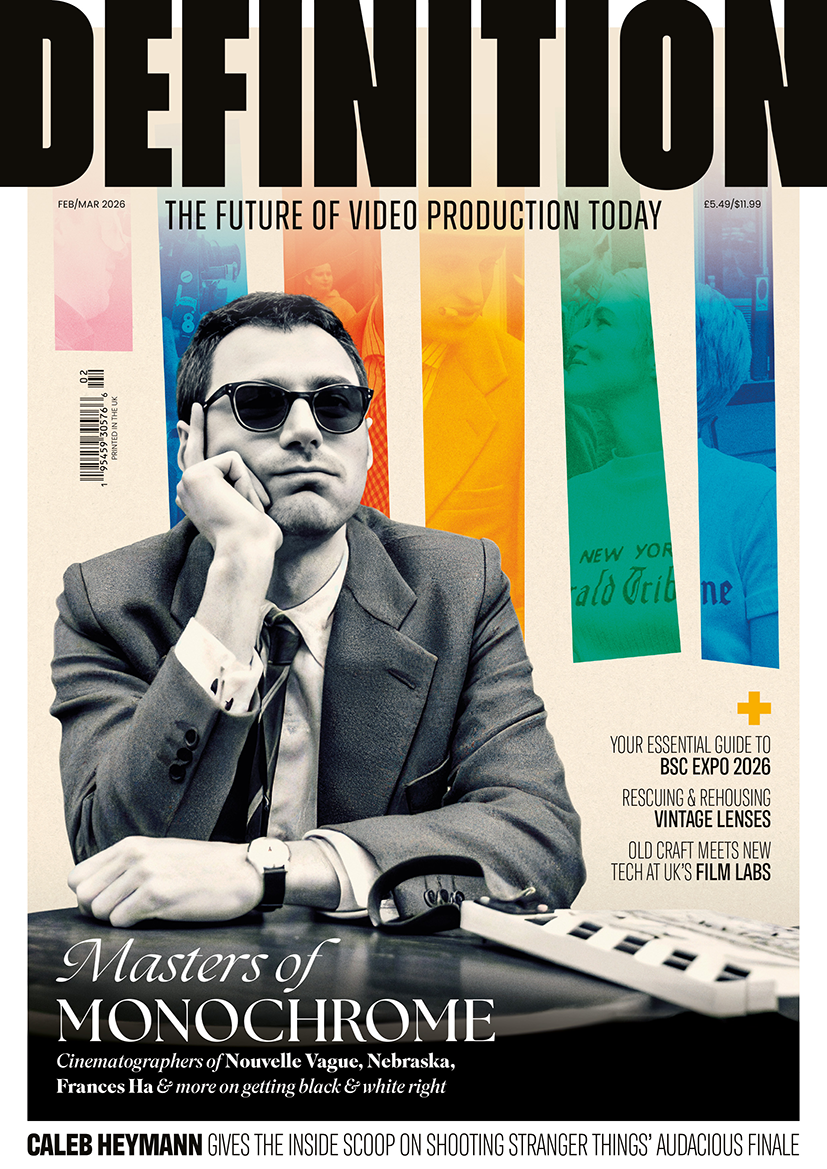
This article appears in the February/March 2026 issue of Definition